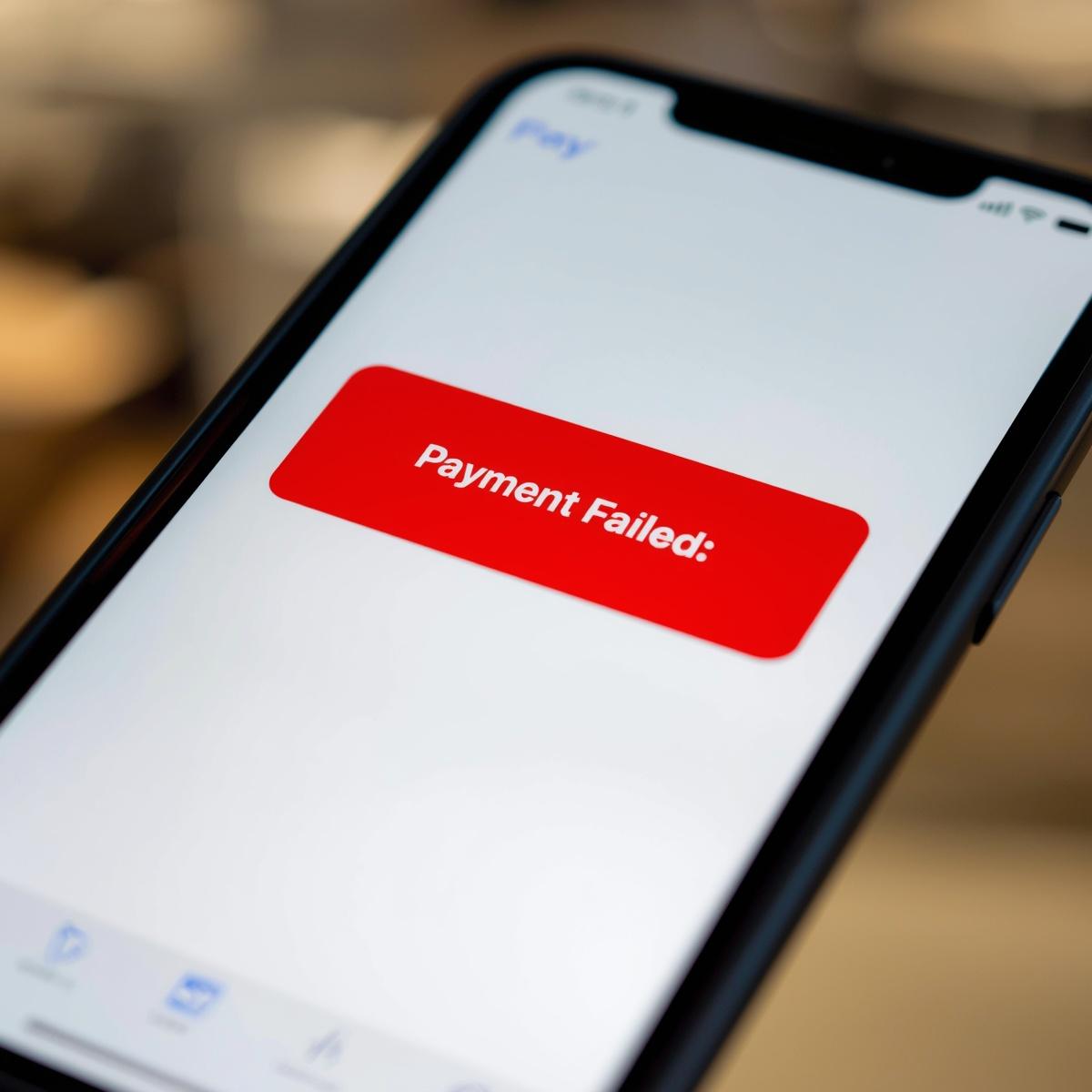
Why That Apple Pay Recurring Gift Just Failed (And What to Do About It)
Apple Pay has transformed how we pay for everything from coffee to online shopping. For churches, it offers a wonderfully simple way for people to give in the moment. A single tap, a quick glance for Face ID, and the gift is made. It is fast, secure, and removes much of the friction from one-time giving.
But if you have been in ministry long enough, you may have noticed a puzzling trend: recurring gifts set up with Apple Pay seem to fail at a much higher rate than traditional credit card donations. A donor who is passionately committed to giving every month suddenly has their payment decline, and it is not because they lack the funds or the desire to give.
This is a real and documented issue. Payment processors like Recurly have noted that recurring Apple Pay payments can see failure rates between 30% and 40%. This is not an error in your giving platform or a problem with your church. It is a challenge baked into the very design of how digital wallets work.
Understanding why this happens is the first step to becoming better stewards of your donors’ generosity.
The Core Problem: A System Built for Security, Not Subscriptions
At its heart, Apple Pay was designed for maximum security during a single, user-authorized transaction. It achieves this by creating a secure, one-time-use token (a cryptogram) and a device-specific account number (a DPAN) instead of sharing the actual credit card details. This is fantastic for preventing fraud during a one-time purchase.
However, this security-first design creates three specific problems for automated, recurring gifts.
1. The Token Is Tied to the Device, Not the Person
Unlike a credit card number, which stays the same until it expires, the secure token Apple Pay uses is linked to a specific physical device. When a donor gets a new iPhone, restores their phone from a backup, or even just removes and re-adds their card to their Apple Wallet, that token changes.
Your payment system, which was authorized to charge the old token every month, suddenly has no idea who this new token belongs to. The link is broken. The recurring gift fails, not because the donor intended to stop giving, but because their technology changed without anyone realizing the downstream effect.
2. The Initial Authorization Expires
When a donor first sets up a recurring gift, Apple Pay creates a special, one-time-use code called a cryptogram to authorize it. As Stripe’s documentation notes, this cryptogram has a short lifespan. If the first charge happens immediately, everything works perfectly. But if the first charge is delayed, for example, if a donor signs up for a recurring gift that starts next month, the cryptogram can expire before it is ever used. The very first payment fails, and the recurring schedule never even gets off the ground.
3. It Is a “Black Box” to Your Payment System
When a traditional credit card gift fails, the bank often provides a specific reason: “Insufficient Funds,” “Invalid CVV,” or “Expired Card.” This allows a smart payment recovery system (like the one built into GivFlow) to take appropriate action. For example, it can wait a few days and retry an “Insufficient Funds” transaction, or it can email the donor to update their expired card.
With Apple Pay, the bank often sends back a generic “Do Not Honor” message. The payment processor has no idea why it failed. Was it a lack of funds? A new device? A bank policy? This “black box” effect makes it nearly impossible to automate a smart recovery. The only option is to contact the donor and ask them to try again, creating friction and confusion.
What Your Church Can Do About It
Knowing these limitations, how can you be a better steward of your donors’ recurring generosity? The solution is not to abandon digital wallets, but to use them strategically.
1. Position Apple Pay for One-Time Gifts. Embrace Apple Pay as the fastest and easiest way for someone to make a one-time donation. Feature it prominently for your main giving page and for special campaigns where capturing in-the-moment generosity is key.
2. Gently Guide Recurring Givers to More Stable Methods. On your giving form, when a donor selects “monthly” or another recurring frequency, consider displaying a short, helpful message:
For the most reliable recurring gift experience, we recommend using a credit card or bank account (ACH). This helps ensure your faithful gift arrives without interruption!
This is not about adding friction. It is about transparently educating your donors so their desire to give consistently is not frustrated by a technology issue.
3. Use a System That Can Recover Failed Payments. No matter how you guide your donors, some recurring gifts will inevitably fail. This is where having an automated recovery system is essential. When a payment fails, GivFlow can automatically reach out to the donor with a simple, personalized email that includes a secure link to update their payment information. Instead of a failed gift becoming lost revenue, it becomes a simple, one-time fix for the donor.
Stewardship in a Digital Age
Your donors want to be faithful. They have made a commitment to support your church’s mission month after month. Our role as church leaders is to make sure our technology and processes honor that commitment.
By understanding the unique challenges of digital wallets and implementing a clear strategy, you can reduce the frustration of failed payments, ensure more consistent giving, and spend less time chasing down administrative issues and more time focused on ministry.
See what happens when giving is handled well.
A real walkthrough of how churches grow giving without adding work.
Book a Demo